



WhatsApp chatbot
for business
A WhatsApp chatbot for business is for owners whose phone buzzes all day with customer messages. The bot answers the routine ones, collects details for quotes and bookings, and passes real conversations to you or your team on a shared inbox, all on the official WhatsApp Business Platform.
Free: a 30-minute call, an action plan and a price range in writing.
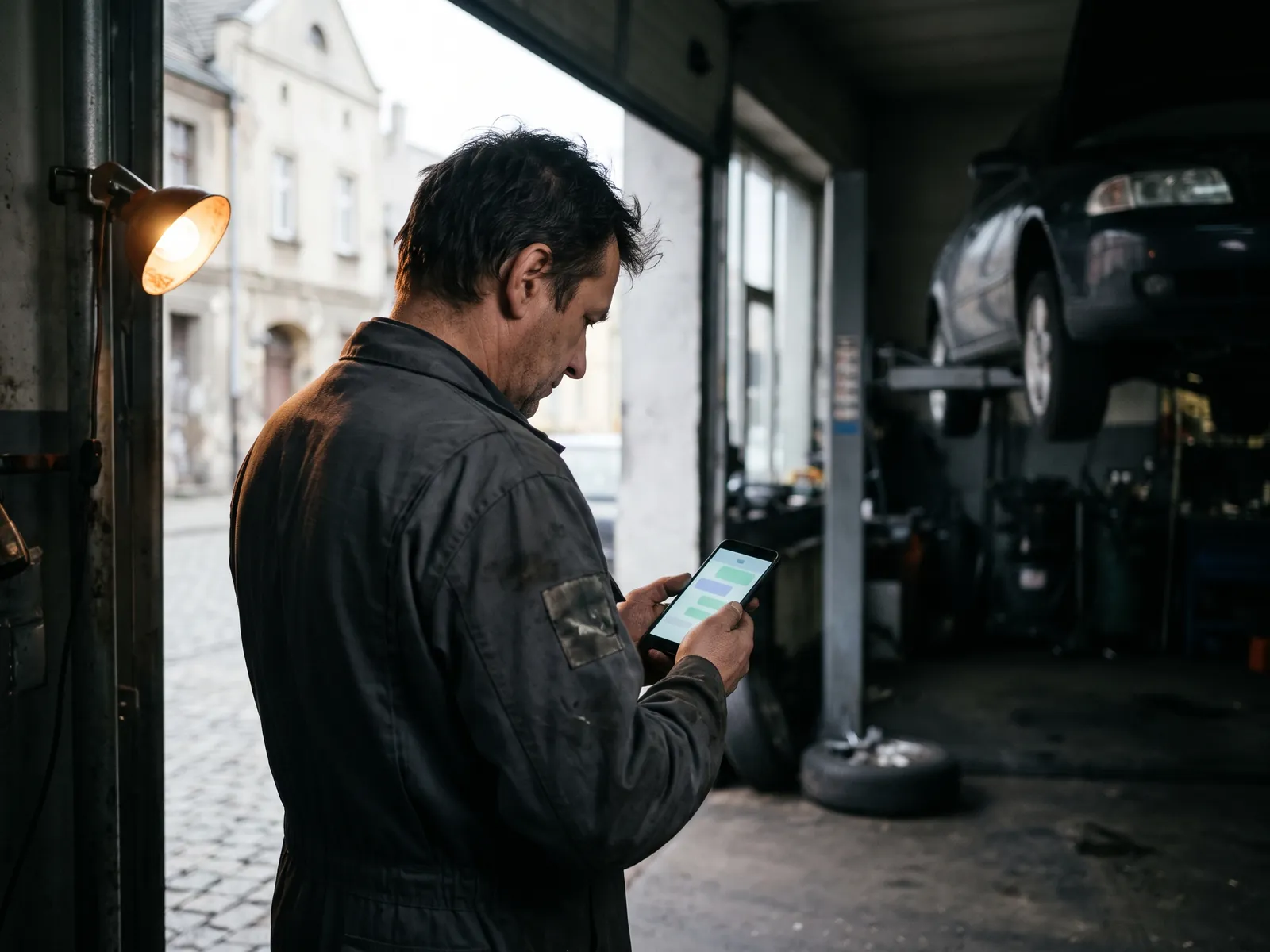
Five WhatsApp jobs
worth automating
First reply in seconds
Hours, location, service list and price ranges, with buttons instead of long typing.
Quote intake
Photos of the job, address, size and timing collected before you call back.
Bookings
Available times offered and confirmed, linked to your calendar or booking system.
Status updates
'Your car is ready', 'Your order shipped', sent as approved templates to customers who agreed.
Team hand-off
A shared inbox so several people can answer from one business number, with the bot's notes attached.
Going live on
WhatsApp in 5 steps
Number and verification
A business phone number and Meta Business verification, in your company's name.
Script and templates
The conversation flow plus message templates submitted for Meta's approval.
Build and connect
The bot set up on the WhatsApp Business Platform, linked to your inbox, calendar or CRM.
Opt-in points
Checkboxes and links on your site, receipts and forms where customers agree to messages.
Launch and review
Live on your number, with conversation reviews and template tweaks in the first weeks.
WhatsApp chatbot
pricing
Final prices in Canadian dollars. Meta charges for some message types, mainly business-initiated templates; those fees are billed to your account.
Bot on your WhatsApp business number with a defined job.
- Script and templates
- Meta approval process
- Shared inbox setup
- Calendar or CRM connection
- Launch tuning
WhatsApp bot plus a ready-made CRM receiving its leads.
- Bot and CRM together
- Every chat on a deal card
Who a WhatsApp chatbot for business suits
A WhatsApp chatbot for business makes most sense when WhatsApp is already where your customers talk to you. That's common with trades and repair shops, cleaning companies, beauty studios, restaurants that take catering orders, and many businesses serving immigrant communities in Canada, where WhatsApp is often the default way to message family and businesses alike. If you've ever found yourself replying to quotes from your personal phone at dinner, this is for you.
The bot doesn't replace you on WhatsApp. It takes the first minutes of each conversation: greeting, answering routine questions, collecting photos and details, offering times. When the customer is ready for a real conversation, it hands over to you or your team in a shared inbox, with everything they've said so far.
The WhatsApp app versus the Business Platform
The free WhatsApp Business app on a phone has basic automation: a greeting message, away message and quick replies. It's fine for a one-person shop with a handful of chats. A proper chatbot runs on the WhatsApp Business Platform, the official API that Meta offers through approved providers. That's what allows:
- full conversation flows with buttons and lists;
- several team members answering from one business number;
- connections to your calendar, booking system or CRM;
- approved templates for reminders and updates.
The platform comes with rules. Your business is verified by Meta. The customer usually starts the conversation, which opens a 24-hour window for free-form replies. After that, only approved templates can be sent, and only to people who opted in.
Consent and CASL
WhatsApp's own policy requires opt-in for business-initiated messages, and Canada's anti-spam law applies to commercial messages on any electronic channel. In practice that means a clear checkbox or link where customers agree to hear from you on WhatsApp, a record of that consent, and an easy way to stop. Transactional updates, like 'your appliance repair is booked for Thursday', are treated differently from promotions, but both should respect the customer's choice. I set up the opt-in points on your site and forms as part of the project.
Examples of flows
- Auto repair: customer sends a photo of a dashboard warning; the bot asks for make, model and year, offers inspection times and confirms. A template message tells them when the car is ready.
- Cleaning company: the bot asks for the type of clean, square footage, pets and preferred day, then hands the quote to the owner.
- Catering: dates, guest count, dietary needs and budget, collected before the first call.
Each flow is short. If the customer types something the bot doesn't understand, it offers a person rather than guessing.
Languages
WhatsApp bots can work in several languages. I write bot scripts in English, and I also speak Polish, Russian and Ukrainian, which helps when your customer base includes those communities and you want the bot's wording to sound natural rather than machine-translated. French is not one of my languages, so a French flow would need its text from your own team.
How the project runs
I deliver WhatsApp bots together with a trusted partner. You deal only with me: the brief, the script, the agreement, deadlines and support. Number setup and Meta verification sometimes take longer than the build itself, so I start those early. The price is $2,500 in Canadian dollars, with Meta's message fees billed to your account. If you'd like to understand the platform before deciding, my guide to WhatsApp Business in Canada covers the basics, and if a lot of your traffic comes from ads, Messenger and WhatsApp ads can open conversations straight into the bot.
More about
WhatsApp
WhatsApp chatbot
questions
Can I use my current WhatsApp number?
Often yes, but it depends on how the number is set up today. Moving a number from the regular WhatsApp Business app to the Business Platform has some limits, and chat history may not carry over. Some businesses prefer a new number just for the bot and team inbox. I check your situation before we decide.
What are WhatsApp message templates?
They're pre-approved messages a business uses to start a conversation or write after the 24-hour window has closed, such as reminders, order updates or opt-in offers. Meta reviews each template. Inside the 24 hours after a customer writes, the bot can reply freely. Outside that window, only templates are allowed.
How much does WhatsApp itself charge?
Meta charges per message for certain message types, mainly templates the business sends first, and rates differ by category and country. Replies within the customer service window are often free or very cheap. These fees are billed to your account by Meta or its provider, separately from my $2,500.
Do I need consent to message customers on WhatsApp?
Yes. WhatsApp requires an opt-in before you send business-initiated messages, and in Canada CASL also applies to commercial messages. Customers must be able to stop messages easily. I add clear opt-in points on your site and forms and set up a simple stop keyword.
Why WhatsApp rather than SMS?
WhatsApp allows buttons, photos, catalogues and longer conversations, and many customers, especially in immigrant communities, already prefer it. SMS reaches everyone without an app. For appointment reminders, SMS may be enough; for conversations and quotes, WhatsApp often works better. Many businesses use both.
Let a bot take
the first message
Tell me how many WhatsApp messages you get a week and what they're about. On a free 30-minute call I'll sketch the flow.