



Online booking for your website
How to add online booking to your website: embedded tools, built-in calendars and booking bots compared, with tips on no-shows, reminders and privacy.
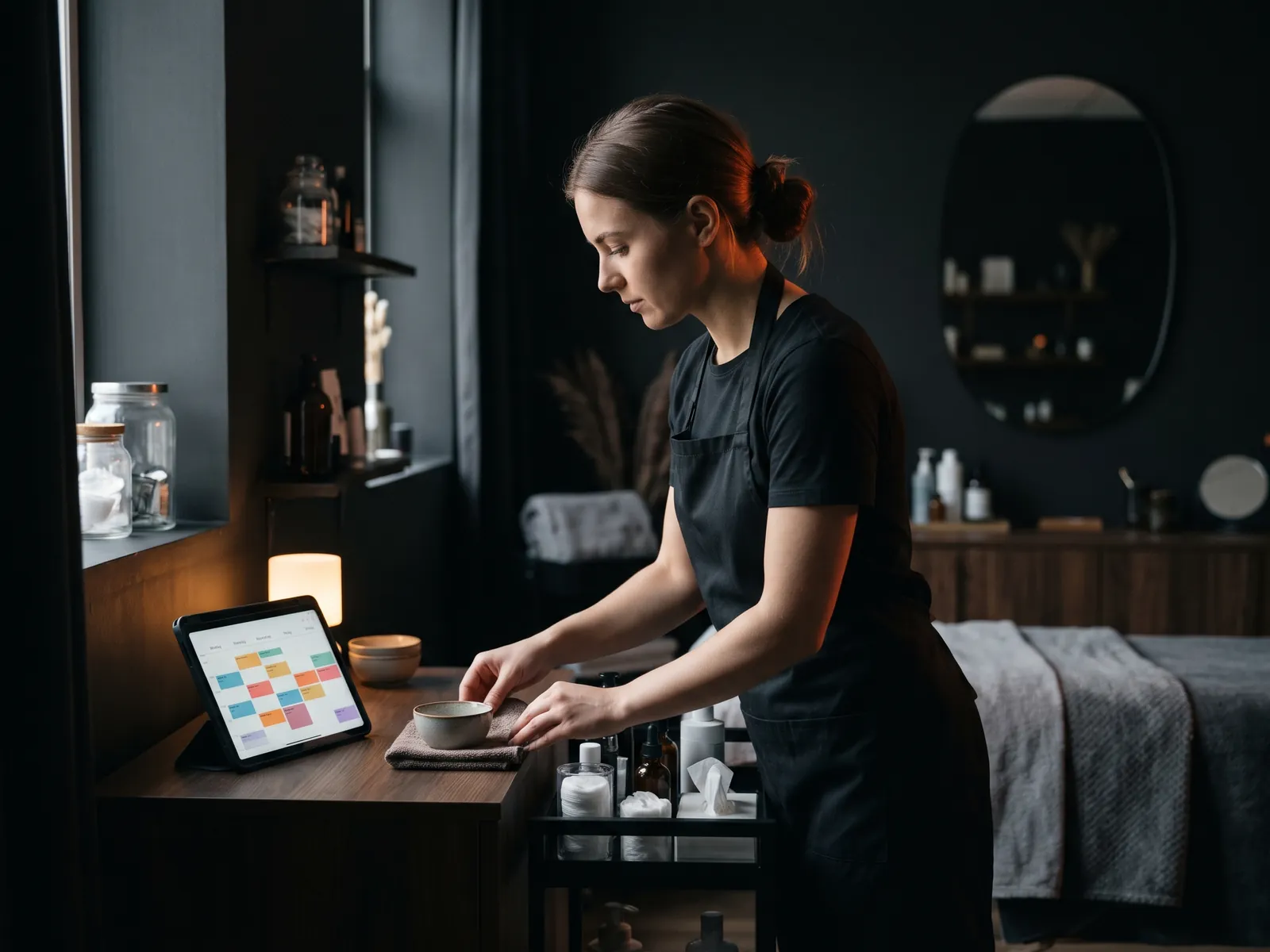
Online booking for your website lets customers pick a time and confirm an appointment without calling, any time of day. For salons, clinics, studios, trainers, cleaners and many trades, it is one of the most useful features a site can have: the phone rings less during appointments, fewer bookings slip through after hours, and reminders cut down on no-shows.
There are three main ways to add it: embed an existing booking tool, build booking into the site itself, or use a booking bot in a messenger. Each has strengths. Below I compare them, then cover the details that decide whether online booking actually works: rules, reminders, no-shows and privacy.
Who benefits most from online booking
Online booking pays off when:
- Appointments have a fixed length. A haircut, a massage, a consultation, a lesson.
- You or your staff are busy with clients and cannot answer the phone.
- Customers book in the evening, when you are closed.
- You have several staff or locations and juggling calendars by phone causes mistakes.
It is less suited to work that needs an assessment before a time can be set, such as a full renovation. There, a short "request a visit" form with preferred days usually works better than a live calendar.
Option 1: embed a booking tool
Many booking platforms let you place their calendar on your site with a widget or a link. They handle availability, confirmations, reminders and often payments.
Good for: getting started quickly, standard appointment types, small teams.
Watch out for: a monthly fee per staff member or location, the widget's look not matching your site, extra scripts slowing the page, and customer data stored on the platform's servers. Check where that data lives and what the platform's privacy terms say.
Option 2: booking built into your website
With a custom site, booking can be part of the site itself: services, staff, durations, buffers and locations managed in the same edit panel as the rest of your content. Bookings can go straight into your CRM, and confirmations come from your own domain.
Good for: businesses with specific rules (deposits for some services, different staff per location, packages), a desire to avoid per-seat platform fees, and owners who want booking data together with their leads.
Watch out for: a higher upfront cost and the need for a developer who builds it properly, including reminders and cancellation handling.
For example, the barbershop chain Gładko Tnący in Poland has booking set up per location as part of a system that also includes a website, CRM and a chatbot; the business grew from 3 to 9 locations in two years. When every new location has its own staff and hours, managing them in one place, instead of in separate calendars, matters a lot.
Option 3: a booking bot
A booking bot takes appointments in a chat: on your website, in WhatsApp, Messenger or Instagram. It asks which service, which day, which time, and confirms. Many customers, especially younger ones, find this easier than a form. A booking bot can work alongside a calendar on the site, so customers choose whichever they prefer. With me, a chatbot starts at $2,500, and the Leads under control package (CRM setup plus chatbot) is $5,900, in Canadian dollars.
Comparison at a glance
| Embedded tool | Built into the site | Booking bot | |
|---|---|---|---|
| Speed to launch | Fast | Slower | Medium |
| Running cost | Monthly fee, often per staff | Hosting only | Depends on platform and messages |
| Custom rules | Limited to the tool's options | As flexible as needed | Flexible within the conversation |
| Look and feel | Tool's design | Your site's design | Chat interface |
| Data location | Platform's servers | Your hosting and CRM | Platform and CRM |
What customers expect from a booking page
Customers judge a booking page quickly. They want to see the price and the duration of each service before they pick a time, the name of the person who will serve them where that matters, and a confirmation they can add to their own calendar. They also want to book in three or four taps on a phone, without creating an account. Every extra step, such as a password, a long questionnaire or a forced app download, loses some of them.
Reducing no-shows
A full calendar means little if people do not turn up. These measures help:
- Automatic reminders by email and text a day before and a couple of hours before. Appointment reminders are generally treated differently from marketing messages under Canada's anti-spam law, but promotional texts need consent. The article on booking automation covers reminder sequences in detail.
- Easy rescheduling. A link to move the appointment is better than a silent no-show.
- Deposits for long or high-value appointments, stated clearly before the customer confirms.
- A clear cancellation policy shown at the point of booking.
Rules that save you headaches
Before switching on online booking, decide:
- Which services can be booked online and which need a call first.
- Buffer time between appointments for cleaning, travel or notes.
- How far ahead people can book, and how late they can cancel.
- What happens on holidays and during winter storms, when you may need to close at short notice.
- Who gets notified of new bookings and cancellations.
Privacy and booking data
A booking form collects personal information, sometimes sensitive: health details for a clinic, addresses for home services. Under PIPEDA, and Quebec Law 25 for Quebec customers, you should collect only what you need, explain why in your privacy policy and protect it. Health practitioners may also have rules from their regulatory college or provincial health privacy laws. Keep forms short, avoid free-text fields that invite medical details unless you truly need them, and check your obligations with a lawyer if you handle health data.
Making it work on your site
Booking should be visible: a "Book now" button in the first screen on mobile, on every service page and in your Google Business Profile. Track completed bookings as conversions in analytics so you can see which ads and pages bring them. And connect it to the rest of your system, as I do in my website integrations work, so bookings, enquiries and customer history live in one place.
If you are not sure which option suits you, tell me how you take bookings now. I'll suggest the simplest setup that works, and the first 30-minute consultation is free.
Let’s talk
about your business
Before the call I review your website and ads. After the call you get an action plan and a price range in writing.

12+ years in online marketing, 100+ clients. I build websites, Google Ads and Meta ads campaigns, CRMs and automations for small and mid-sized businesses. About me →
Online booking
questions
Is it better to embed a booking tool or build booking into my website?
Embedding is faster and works well for standard appointments and small teams. Built-in booking makes sense when you have specific rules, several locations or staff, want to avoid per-seat fees, or want bookings to land directly in your CRM. Many businesses start with a tool and move to built-in booking as they grow.
Can online booking reduce no-shows?
Yes, mainly through automatic reminders, easy rescheduling and, for longer appointments, deposits. A reminder the day before and a short one a few hours ahead catch most forgotten appointments. A clear cancellation policy at the moment of booking also helps set expectations.
Can customers book through WhatsApp or Instagram?
Yes, with a booking bot. It asks for the service, day and time in a conversation and confirms the slot, then sends the booking to your calendar or CRM. It suits customers who prefer messaging to forms, and it can run alongside a calendar on your website.
What booking information can I collect under Canadian privacy law?
Only what you need to provide the service, explained in your privacy policy. PIPEDA applies to most private businesses, Quebec Law 25 adds stricter rules for Quebec, and health providers may have extra obligations. Keep the form short and avoid collecting health details unless necessary. For certainty in your case, ask a lawyer.
Let customers book
while you work
Tell me how you take bookings today and what goes wrong. I'll suggest the simplest setup that fits your schedule, staff and locations.