



Automating bookings and reminders
How booking automation works for small businesses: online booking, automatic reminders, deposits and follow-ups, and how to set it up so staff and customers like it.
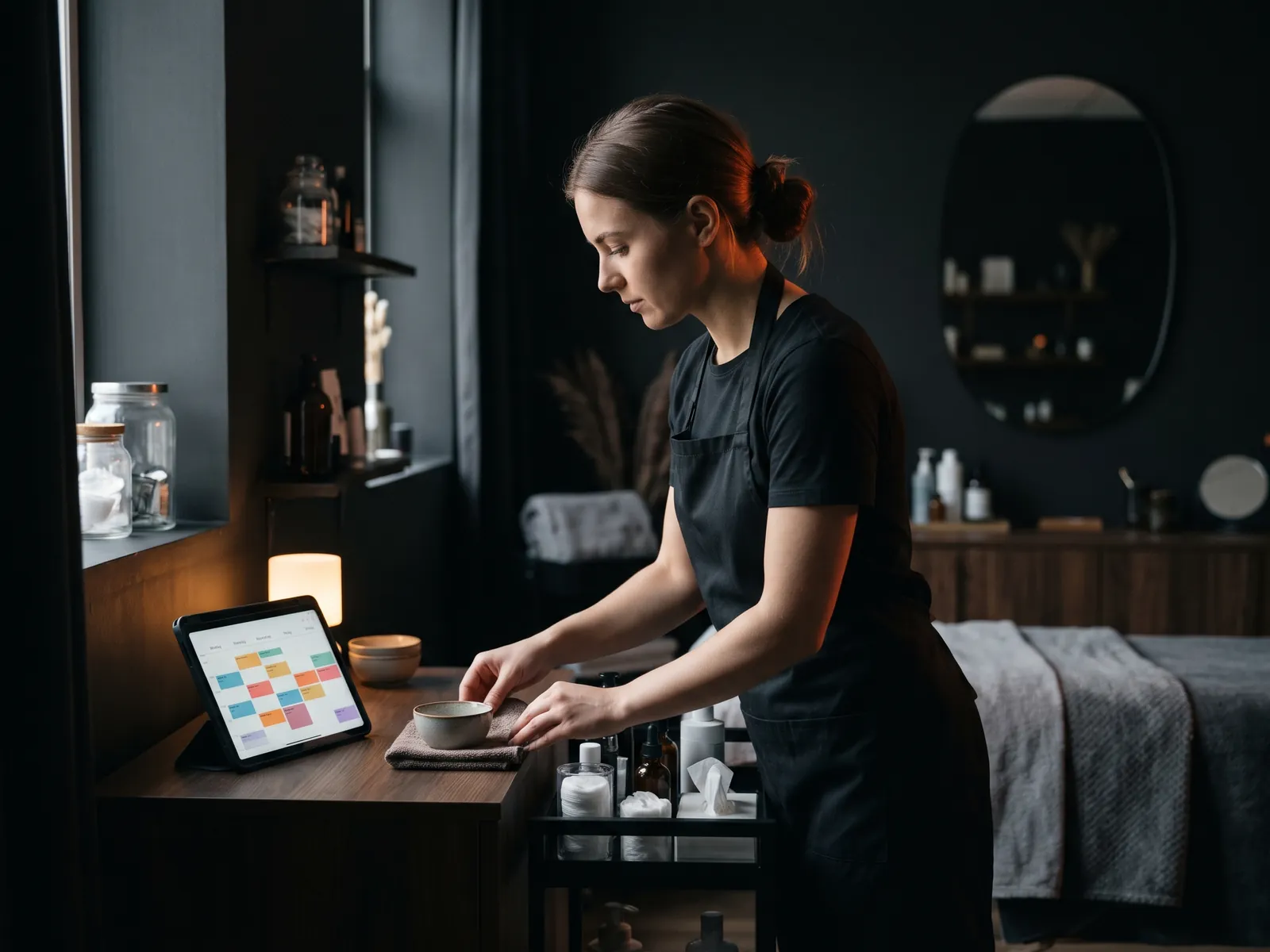
Automating bookings and reminders means letting customers pick an appointment slot themselves, at any hour, and letting software send confirmations, reminders and follow-ups so nobody on your team has to. For salons, clinics, trainers, auto shops and many trades, it removes the phone tag that eats up the day, reduces no-shows and keeps your calendar full. The setup is not complicated, but a few decisions made early decide whether the system helps or creates new headaches.
Here is how to think it through, step by step.
What booking automation covers
A complete setup usually has five parts:
- Online booking. A page or widget where customers see available slots and book.
- Confirmation. An instant email or text with the date, time, address and how to prepare.
- Reminders. One or two messages before the appointment, with a simple way to confirm or reschedule.
- Rescheduling and cancellation. Customers change the booking themselves within your rules.
- Follow-up. A thank-you, a review request, or a prompt to book the next visit.
You do not need all five on day one. Booking plus one reminder already solves most of the pain.
Step 1: decide what can be booked online
Not every service suits self-booking. A haircut, a massage, an initial physio assessment or an oil change are standard and predictable. A kitchen renovation or a large commercial cleaning contract need a conversation first.
For services that need a conversation, book the consultation, not the job. A homeowner can book a 20-minute call or a site visit online, and the quote follows. This still removes the back-and-forth of finding a time.
Also decide the length of each service, buffers between appointments, which staff can do what, and how far ahead people can book. Writing these rules down before choosing software saves a lot of rework.
Step 2: choose where the calendar lives
There are three common routes:
| Route | Fits | Watch out for |
|---|---|---|
| Standalone booking tool | Salons, clinics, trainers with standard services | Monthly fees, customer data in another system |
| Booking inside a ready-made CRM | Service businesses already using HubSpot, Zoho or similar | Booking features vary by tier |
| Booking built into a custom CRM or website | Several locations, unusual rules, combined orders and bookings | Higher upfront cost |
In my Gładko Tnący case, booking had to work separately for each location of a growing barber chain, so it was built into the website and CRM. For Laser Lux, a laser hair removal clinic, the booking system was part of a large website with its own CRM. A single-chair salon, on the other hand, is usually well served by a good standalone tool.
Whatever you choose, make sure staff can also add phone bookings to the same calendar. Two calendars mean double bookings.
Step 3: write reminders people actually read
Good reminders are short and useful:
- Business name first, so people know who is texting.
- Date, time and address, with a map link if location is confusing.
- What to bring or how to prepare.
- One-tap confirm or reschedule.
Timing matters. A reminder the day before works for most services. For bookings made far ahead, add one a few days before so people can reschedule in time for you to fill the slot.
Keep reminders strictly about the appointment. Adding a promotion turns a service message into a commercial one and brings CASL consent rules into play. My article on SMS marketing in Canada explains where the line usually sits.
Step 4: deal with no-shows fairly
Reminders cut no-shows on their own, but some businesses need more:
- A clear cancellation policy, shown at booking and in the confirmation.
- Deposits for long or expensive appointments, taken at booking.
- A waitlist that offers freed-up slots to other customers automatically.
- A note on the customer's record after repeated no-shows, so staff can ask for a deposit next time.
Be careful with fees: state them clearly before the customer books. Surprise charges damage trust and can raise questions under consumer protection rules.
Step 5: close the loop with follow-ups
The appointment is not the end. A simple follow-up sequence after the visit can:
- Thank the customer and ask for a Google review. See how to get more Google reviews the right way.
- Remind them when it is time for the next visit (a haircut in five weeks, a dental check-up in six months, a seasonal tire change).
- Offer an easy rebooking link.
Rebooking reminders are often the most profitable automation of all, because they bring back customers who already trust you. For promotional follow-ups, make sure you have consent first.
Common mistakes
- Showing every slot as available, then calling customers to move them. Set real rules for capacity and buffers.
- Forgetting time zones when you serve customers across provinces or book video calls.
- Collecting too much data at booking. Name, phone, email and the service are usually enough.
- Not testing on a phone. Most people book from their phone, often while doing something else.
- Sending reminders from a number nobody monitors, so replies like "running 10 minutes late" go unanswered.
Winter, holidays and other Canadian realities
Canadian weather and seasons affect bookings more than most software assumes. A snowstorm can wipe out a day of appointments, so make it easy to message everyone booked for that day and offer new slots in bulk. Seasonal services such as tire changes, furnace checks, patio cleaning or tax-time appointments create sudden peaks; open those slots early and send rebooking reminders before the rush rather than during it. Statutory holidays differ by province, so check that your booking tool knows yours.
Measure what changed
Before switching on automation, note three numbers from the last month: bookings, no-shows and hours spent on scheduling calls. Check them again after two months. If no-shows drop and staff spend less time on the phone, the system is earning its keep.
How I can help
I connect online booking to your website and CRM so every appointment, reminder and follow-up lives in one customer history. For businesses with unusual rules, a custom CRM can include booking natively. A booking bot on your website or messengers can also take bookings in conversation; I deliver bots with a trusted partner, and the contract, deadlines and communication stay with me. If booking is mainly a website question, see my guide on adding online booking to your website.
Let’s talk
about your business
Before the call I review your website and ads. After the call you get an action plan and a price range in writing.

12+ years in online marketing, 100+ clients. I build websites, Google Ads and Meta ads campaigns, CRMs and automations for small and mid-sized businesses. About me →
Bookings and reminders:
questions
Do appointment reminders need consent under CASL?
Messages that confirm or remind someone about a transaction they arranged with you are generally treated differently from promotional messages, and CASL has exemptions for some of them. Keep reminders strictly about the appointment, with no offers attached. Once you add promotions, consent rules apply. For edge cases, especially texting, confirm with a lawyer.
Will older customers use online booking?
Many will, and those who prefer the phone can keep calling. Online booking should be an addition, not the only option. Staff can book phone callers into the same calendar, so there is still one schedule and one set of reminders for everyone.
How many reminders should I send?
For most appointments, one reminder the day before is enough, with an easy way to confirm or reschedule. For bookings made weeks in advance, add one a few days before. More than that starts to annoy people. Watch your no-show rate and adjust rather than adding messages by default.
Can bookings flow into my CRM?
Yes. Most booking tools connect to popular CRMs directly or through integration services, and a custom CRM can include booking as a built-in feature. The benefit is a full customer history in one place: first enquiry, every visit, no-shows and follow-ups.
Want bookings that
run themselves?
Tell me how customers book today and where it breaks. I'll suggest the simplest setup for online booking and reminders, starting with a free 30-minute call.